Local-first · MIT licensed

Private messaging.
No internet required.

Orbit connects devices on your local network — peer-to-peer, end-to-end encrypted, no cloud account. Chat, share files, make calls, and stay in control of your conversations.

Windows macOS Linux Android
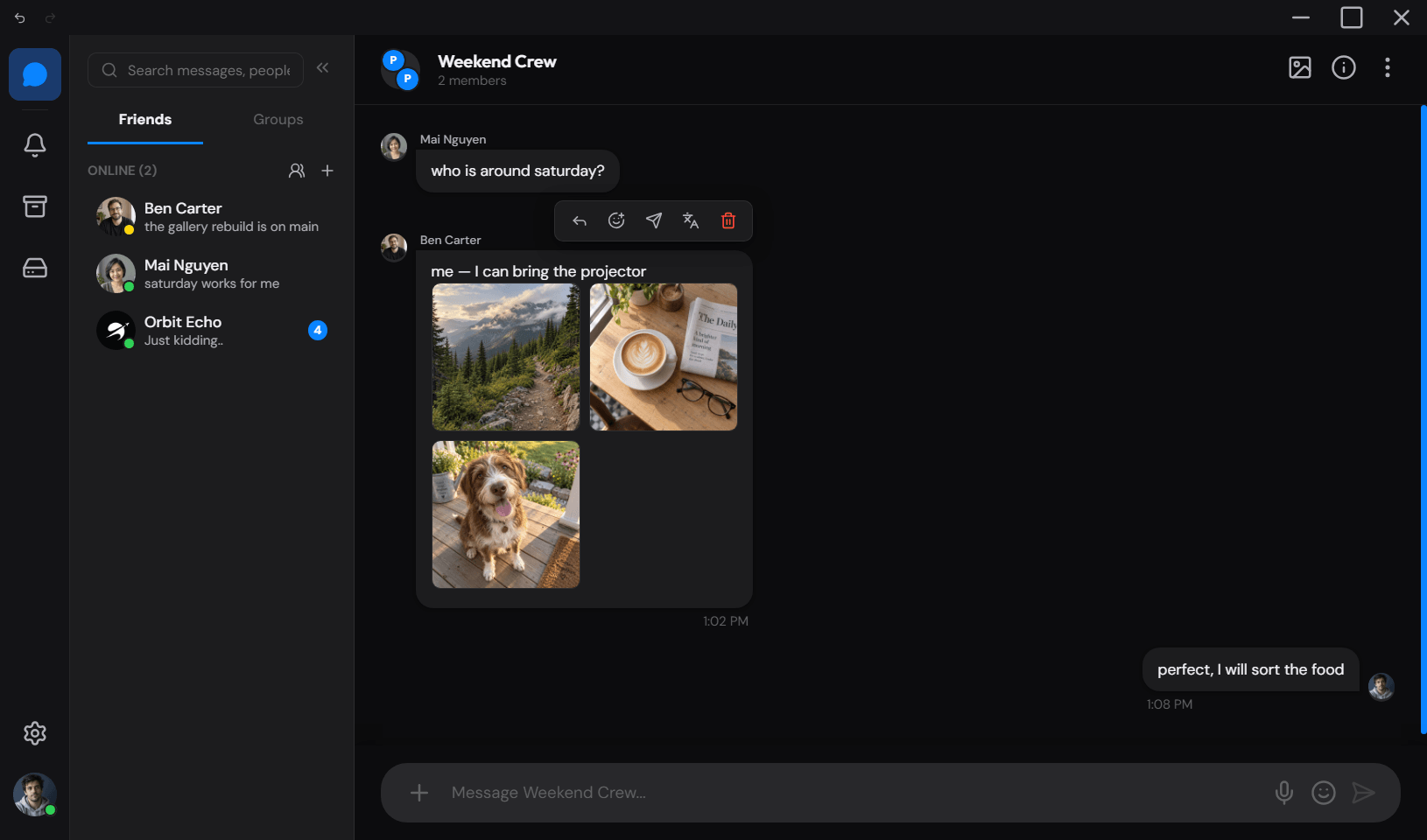
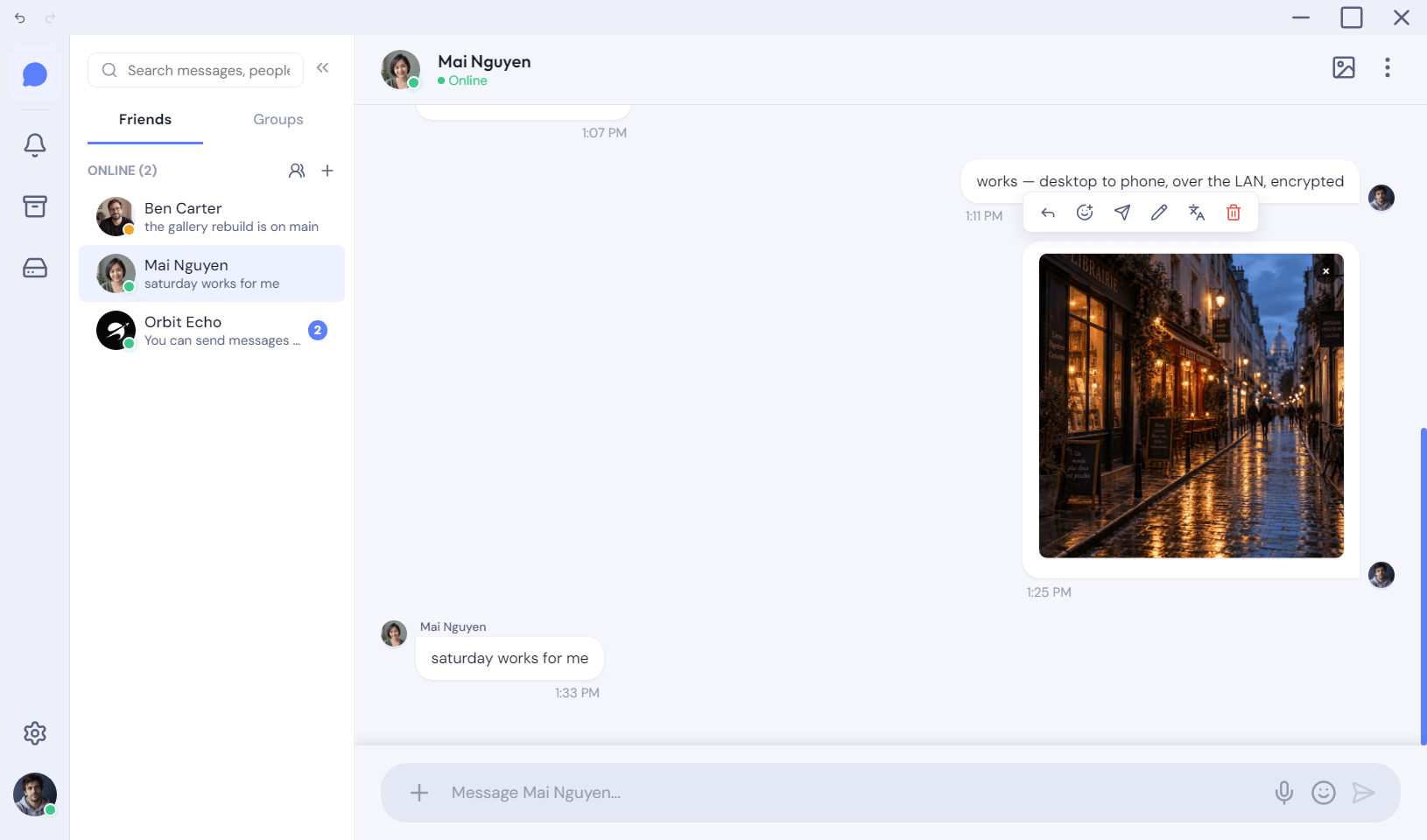
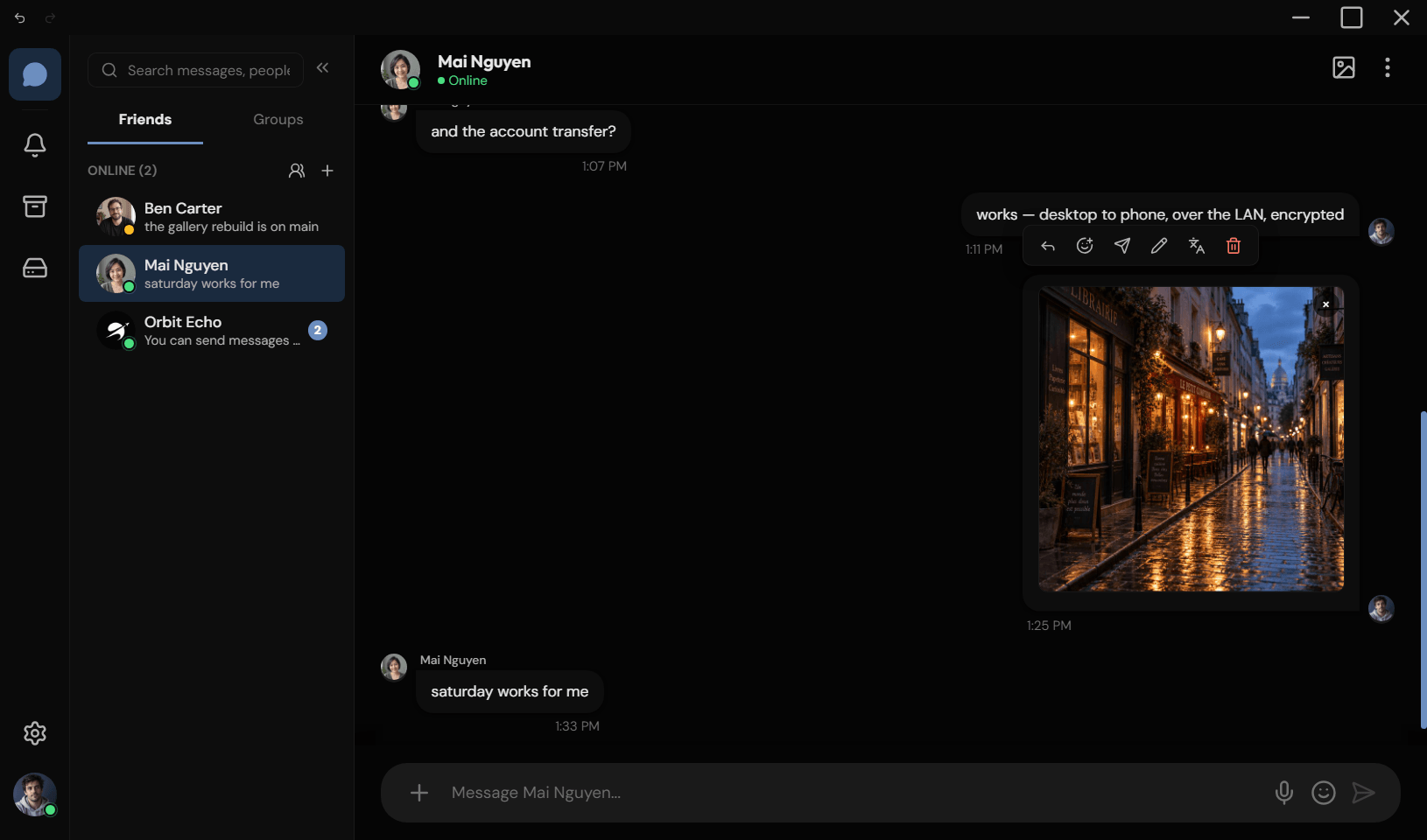
Orbit — Direct messages
Orbit desktop app in dark mode, showing a direct message conversation with code blocks and a friends sidebar
Local-first Messages live on devices you own, not a remote account.
Peer-to-peer Clients talk over LAN sockets. No mandatory relay.
End-to-end encrypted ECDH + AES-256-GCM, desktop and Android alike.
Open source MIT license. Audit it, fork it, run it yourself.
Product

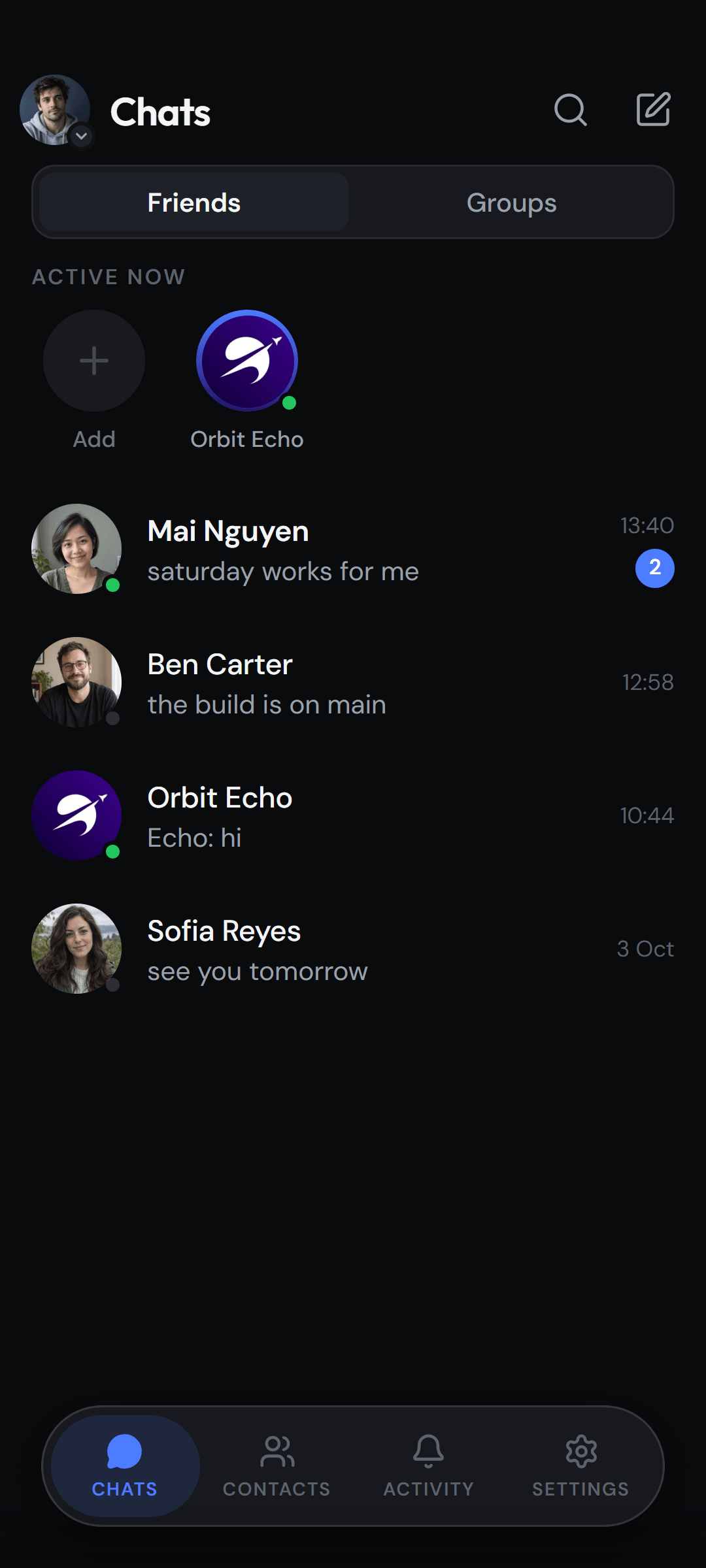
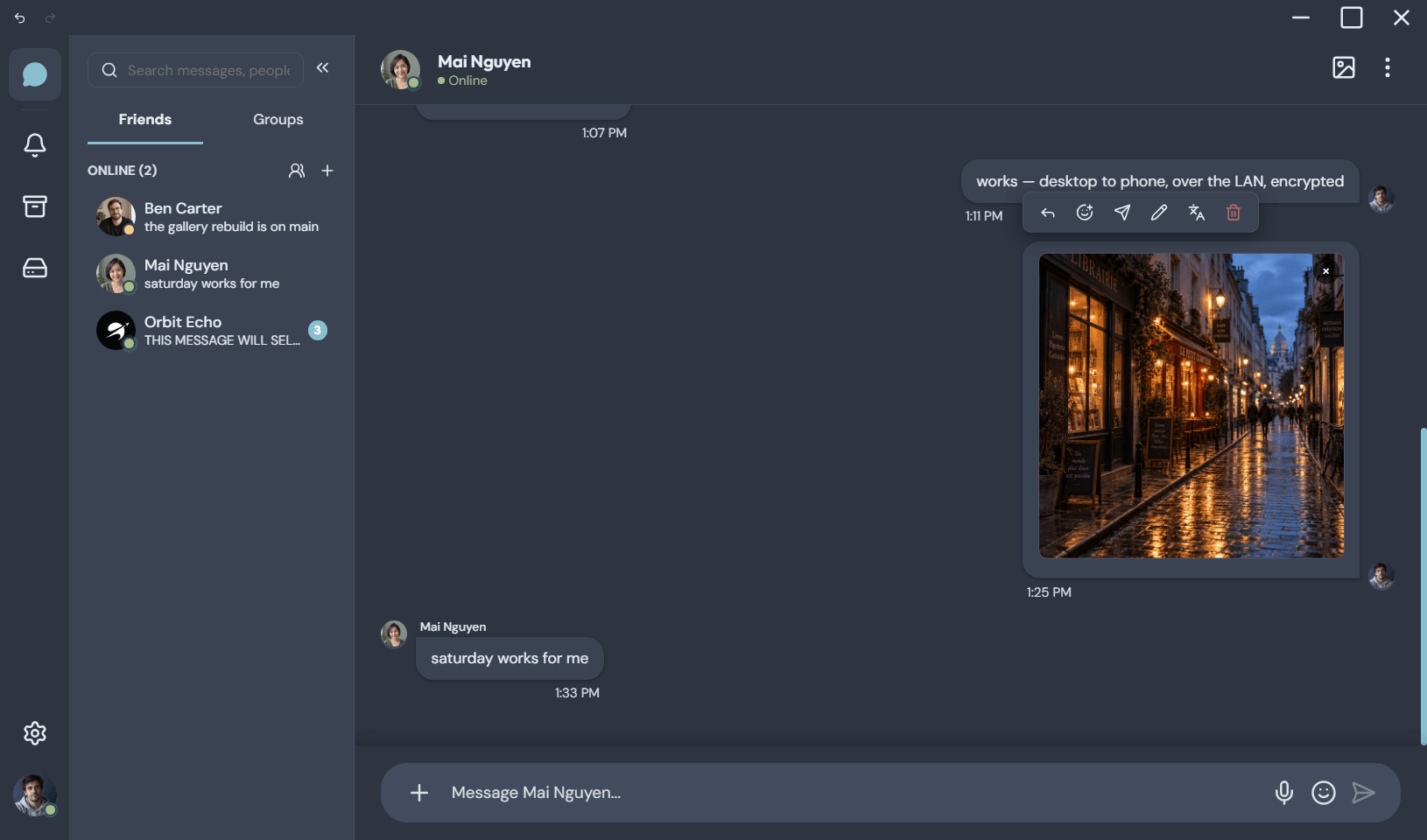
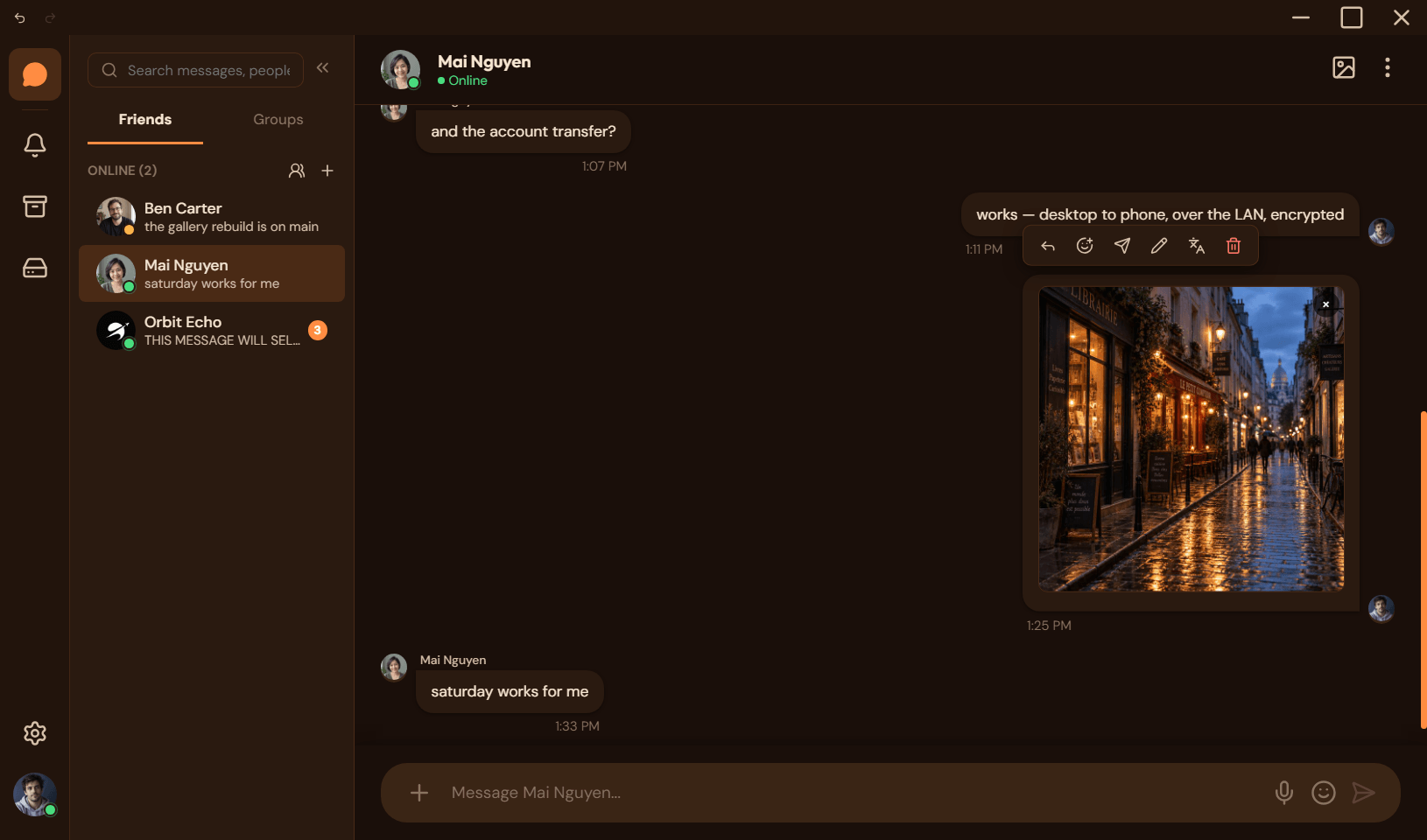
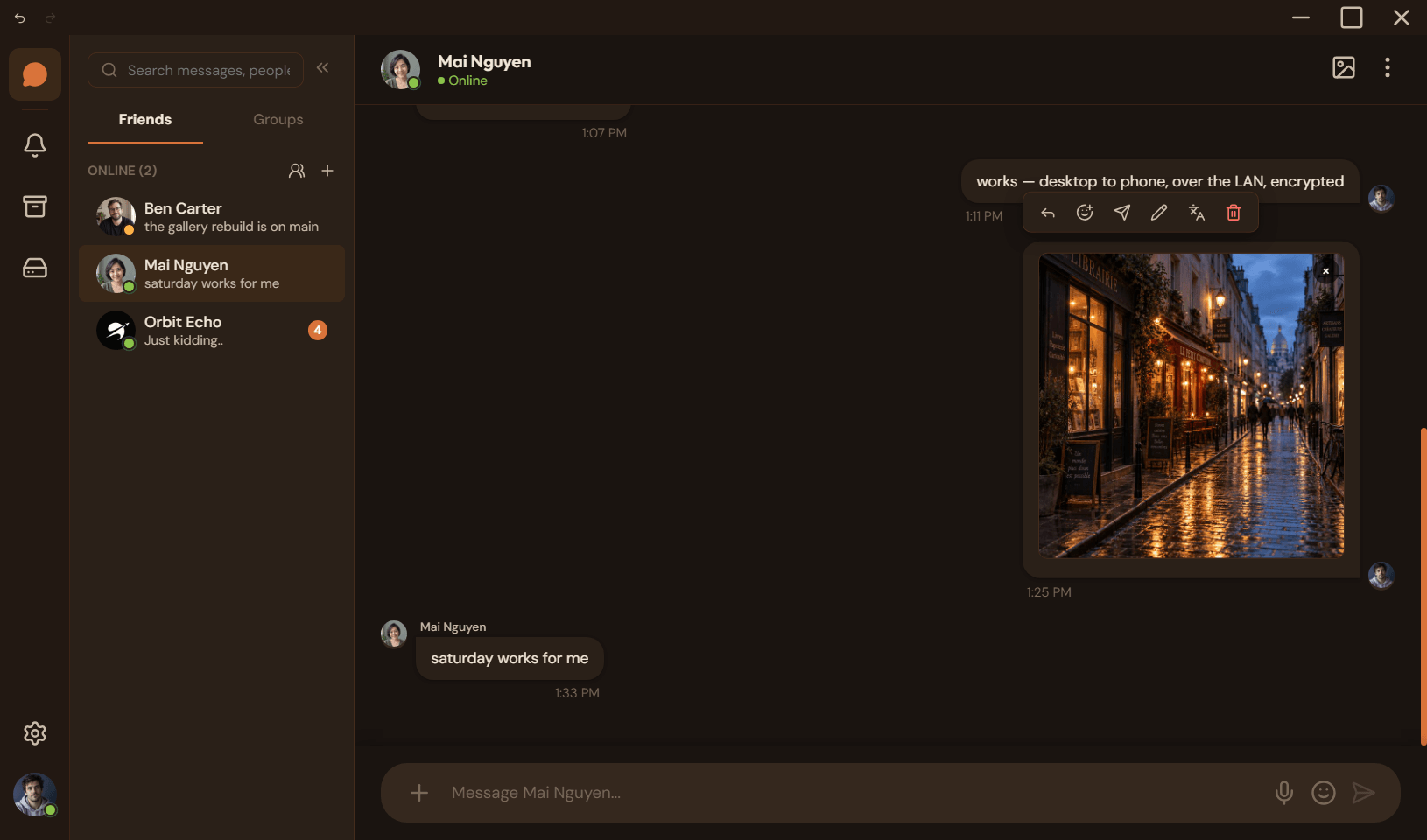
The same Orbit on every screen

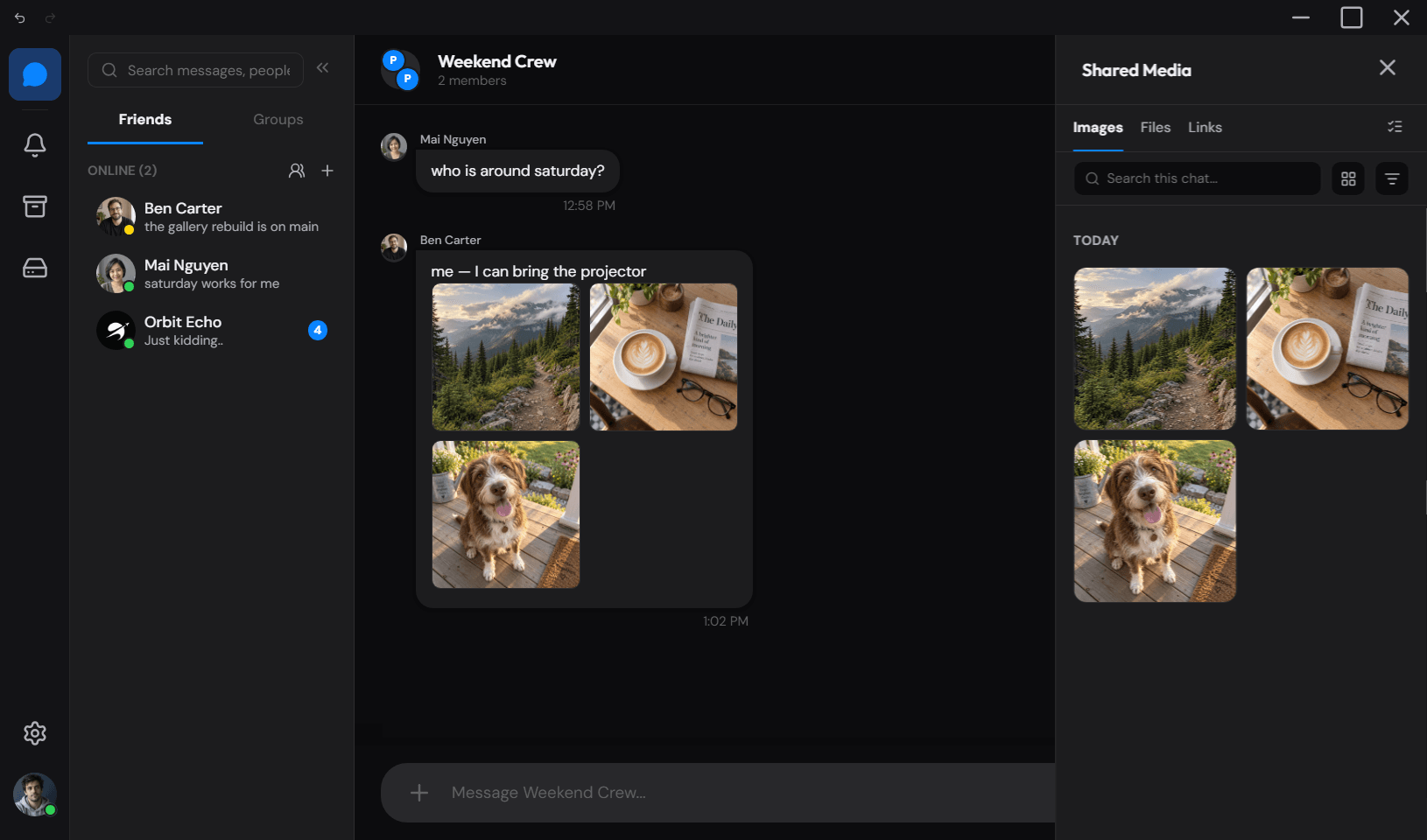
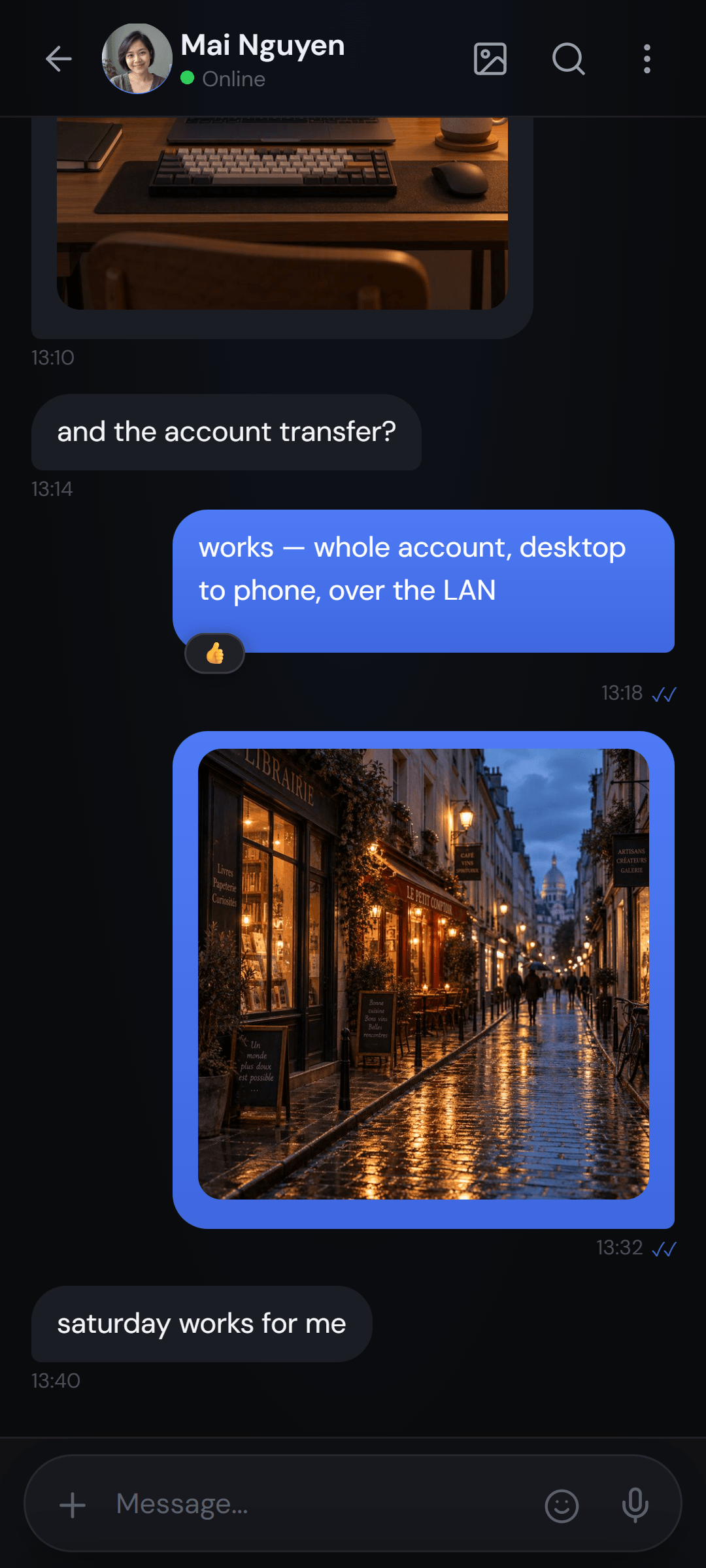
Desktop for Windows, macOS, and Linux. Native-feeling Android. One protocol, one conversation history you control.

Orbit desktop — direct messages in dark mode

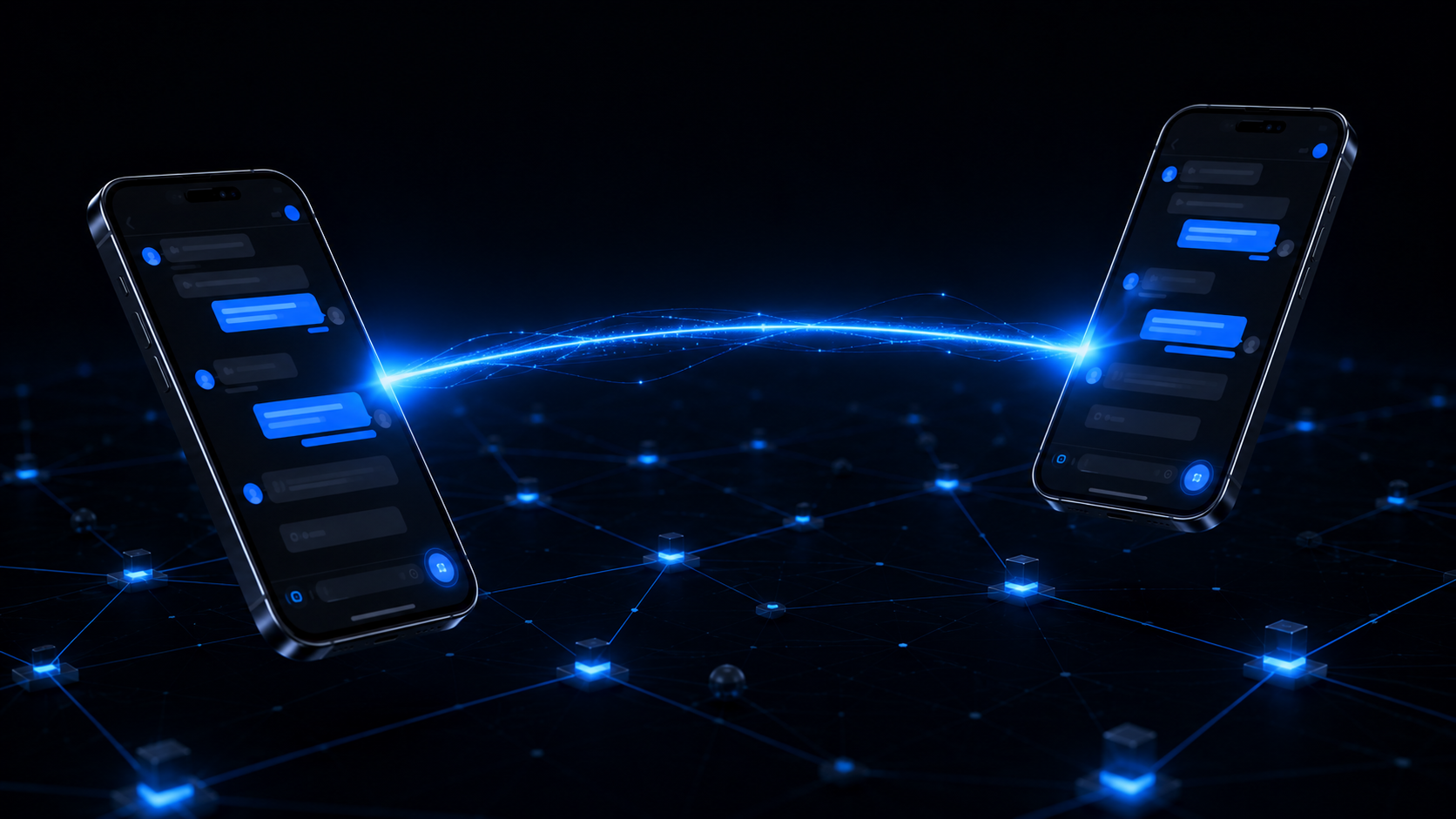
Your message goes from your device to theirs. There is nothing in between.

Features

Most messengers ask you to trust their server.
Orbit does not have one.

That one decision is what the rest of this page is about: what it lets Orbit promise, and what it costs.

01

Your message goes straight to the other device

On the same network, Orbit finds the other side and talks to it directly. Nothing is relayed through anyone else, nothing is stored in the middle, and there is no account to sign into.

  • Peers are discovered on your network, or paired once by QR code
  • No internet connection required — the two devices are enough
no server
02

Sealed for the person you are talking to

Messages are encrypted for the recipient's device, not for a service. One key format across desktop and Android, so a phone and a laptop can hold an encrypted conversation with each other.

  • Group messages are encrypted pairwise, per member — no shared group secret to leak
  • Keys are generated on your devices and never leave them
Direct messages ECDH · HKDF-SHA256 · AES-256-GCM Group messages pairwise — one ciphertext per member Key material generated locally, never uploaded
03

Everything lives on your machines

Your messages are in a database on your own device. Privacy mode hides previews, the Local Vault backs up a whole account — encrypted — and it can leave the device with you.

  • Nothing is uploaded, so there is nothing to breach
  • Back up a whole account to a file you hold
Storage a local database, per device Backup encrypted vault file, yours to keep Not covered translate & GIF search leave in plaintext
04

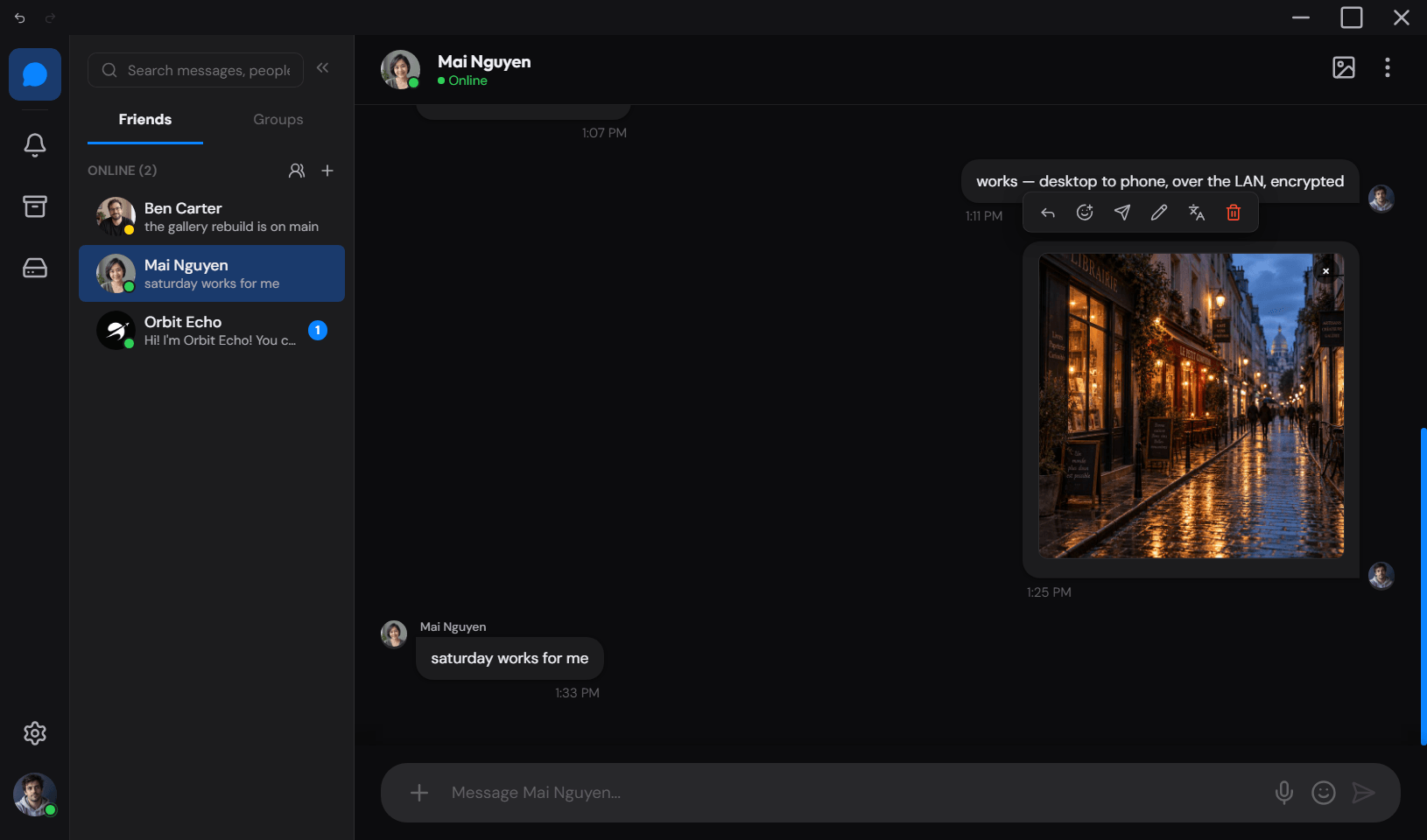
Your account moves to your phone, over your own network

The desktop shows a code. Scan it, and the whole account comes across — conversations, contacts, groups — sealed for the trip. It arrives as a second account on the phone, so the one already in your hand is never overwritten.

  • The code is the key, and it is burned the moment the transfer starts
  • Nothing leaves the room — the two devices are enough

And the rest of it

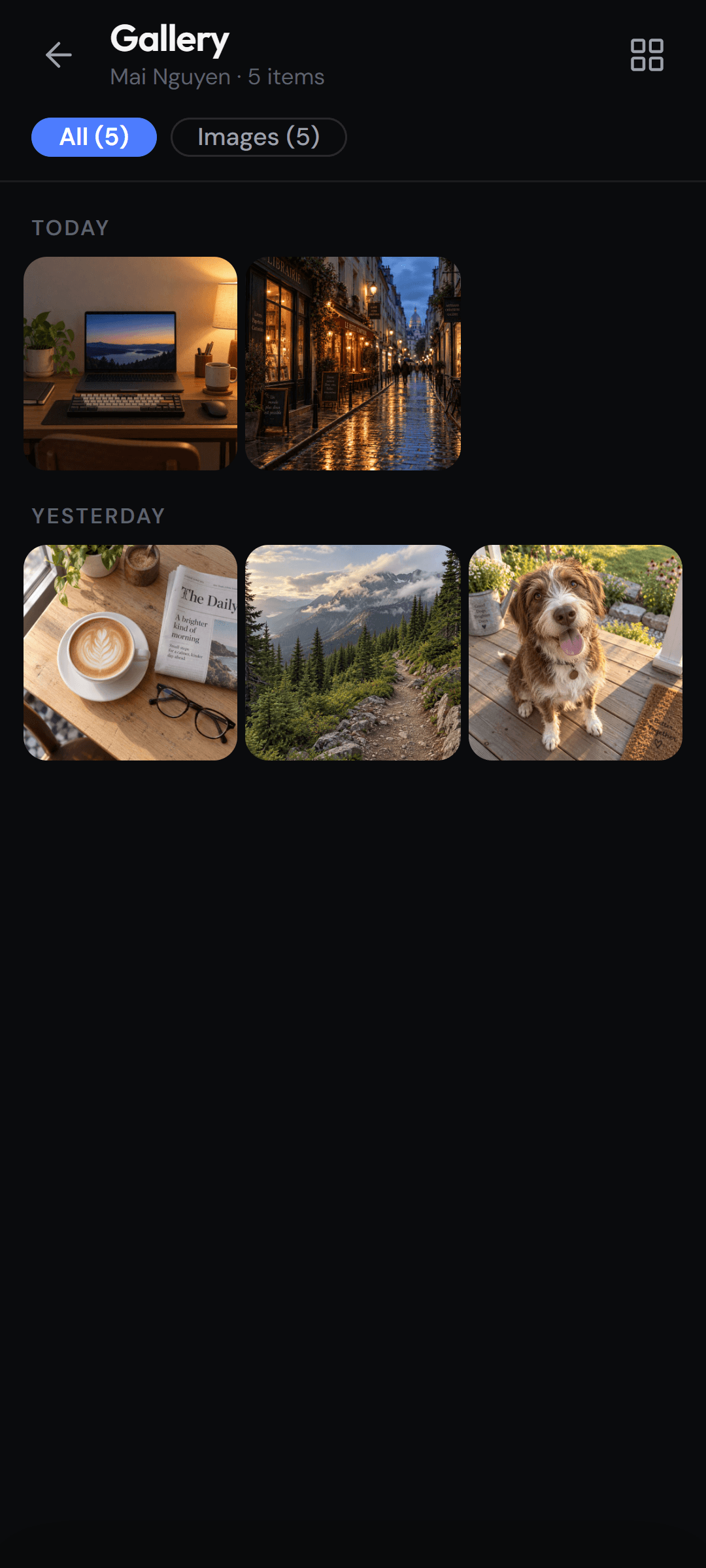
  • File, photo and video transfer, peer to peer
  • Group chats with roles and invite codes
  • Voice and video calls
  • Voice notes
  • Slash commands and polls
  • Threads and replies
  • Folders, pins and per-chat mute
  • Privacy mode
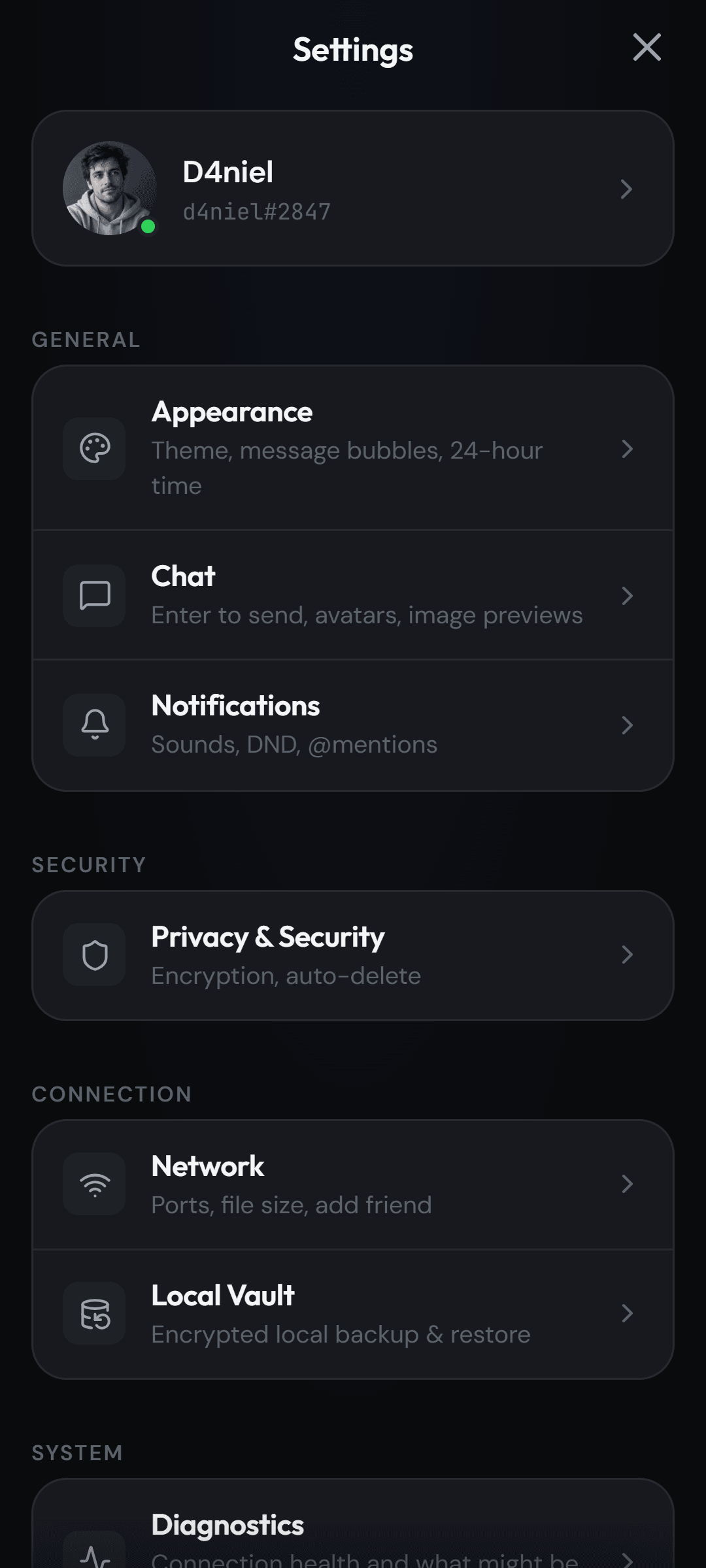
  • Themes, including your own colours
  • Pairing by QR code
  • Moving your whole account from the desktop to a phone
  • Notifications with the sender's avatar
  • Queued sends that wait for an offline peer
  • Updates that install from inside the app
Get started

How it works

No account creation. No configuration. Install it, join a network, and start talking.

You'll need
  • Two devices on the same Wi-Fi or LAN.
  • Orbit installed on each — grab the installers in the download section.
  • Nothing else — nearby peers appear on the network automatically.
  1. Install Orbit on each device

    Download the beta build for your platform from GitHub Releases — Windows, macOS, Linux, or Android. Installers are unsigned; every release ships a GPG-signed SHA256SUMS.

  2. Put both devices on the same network

    Connect to the same Wi-Fi or LAN. Orbit finds nearby clients automatically — no IP entry or account setup required.

  3. Start a chat — no account needed

    Open the app, pick a display name, and start messaging. Files and groups work the same way — traffic stays on your network even if the internet is down.

Orbit is beta software and LAN-only today — see the FAQ or GitHub issues for what's next.

Architecture

Built for speed and privacy

A readable stack — Electron, Capacitor, SQLite — designed so you can inspect every hop.

Encryption
ECDH key agreement with HKDF-SHA256 and AES-256-GCM, using a single key format on desktop and Android — so a phone and a laptop can hold an encrypted conversation with each other.
Discovery
UDP beacon broadcasts on port 45678 — automatic peer discovery, direct LAN sockets, no relay.
Integrity
SHA-256 hash computed on every file transfer, verified on both ends.
Storage
Local SQLite database with export/restore backups.
Platform
Electron desktop + Capacitor Android — one shared codebase and protocol.

The protocol is in the open — read it in shared/network/protocol.js.

Security

What Orbit protects — and what it does not

A messenger that only tells you the good parts is not telling you much. Here is the whole picture, gaps included.

Encrypted end to end

  • Direct messages use ECDH key agreement with HKDF-SHA256 and AES-256-GCM.
  • Desktop and Android share one key format, so a phone and a laptop can hold an encrypted conversation with each other.
  • Group messages are encrypted pairwise — per member, so there is no shared group secret to leak.
  • Keys are pinned on first use when you pair by QR code.

Not covered yet

  • No key-change warning. Keys are pinned when you pair, but Orbit does not warn you if a peer’s key later changes, and there is no fingerprint to compare out of band. For an app built on end-to-end encryption that is a real gap — it is the next thing on the list.
  • Local networks only. Peers must be reachable on the same network; there is no NAT traversal and no relay, so this is not a drop-in replacement for a cloud messenger.
  • Translate and GIF search are not encrypted. Both are optional and user-initiated, but the text leaves your device in plaintext.
  • Calls are local-network only, and group calls are desktop-only.
  • Installers are unsigned beta builds, so Windows SmartScreen warnings are expected. The signed checksums below are how you tell a real build from a tampered one.
  • Update checks contact GitHub, at most once every six hours, and can be switched off. Nothing about you or your chats is sent.

Verify a release

Every release ships SHA256SUMS.txt and its GPG signature. The signing key fingerprint is:

914F C63B 5690 FFAC 855F  3A5C 1681 D97E 850F 9A3A
gpg --import security/public-key.asc
gpg --verify SHA256SUMS.txt.sig SHA256SUMS.txt
sha256sum --check SHA256SUMS.txt --ignore-missing

Check that fingerprint against the one in the repository before trusting it — that is the whole point of a fingerprint.

Report a vulnerability

Please report privately rather than in a public issue. Email orbit.support.real@gmail.com, and encrypt the report with the PGP key in security/ if you can.

You get an acknowledgement within 48 hours and a detailed response within 5 business days. Security fixes are issued for the latest release and the one before it.

There is no account to create and nothing to sign into. The two devices are the whole system.

FAQ

Questions, answered

The honest version — including the parts that are still rough.

Before you install

Do I need an internet connection?

No. Orbit works over your local network. As long as devices can reach each other on the LAN, messages, files, and calls keep flowing even when the internet is down.

Do I need an account or signup?

No accounts, no passwords, no signup server. Install Orbit, join a network, and pick a display name. Your identity and keys live on your device.

Privacy and reach

Is my data really encrypted?

Direct messages use ECDH key exchange with AES-256-GCM, and desktop and Android share the same key scheme — so an encrypted conversation works in both directions between a phone and a laptop. Group messages are encrypted pairwise, per member.

Can I use Orbit over the internet?

Orbit is designed for local networks first. Devices need a route to reach each other; over the internet that typically means the same VPN or LAN, not a public server.

Is Orbit open source?

Yes. MIT licensed, with the full source on GitHub. Read the protocol, audit the crypto, or fork it.

Using it

How do I add friends?

Orbit discovers nearby peers automatically on the same network. You can also add someone by IP address or share your QR code.

Can I make voice and video calls?

Yes. Open a chat and choose Voice Call or Video Call — the other person gets a ring they can accept or decline, and the call runs peer-to-peer over WebRTC with no relay server. Group calls work between desktop peers.

Not answered here? The security section is more specific about what is and is not protected, and GitHub issues is where the rough edges are written down.

Ready to go private?

Download Orbit for your platform. Installers are unsigned beta builds; each release publishes a GPG-signed SHA256SUMS for verification.

Get Orbit — all platforms on GitHub

All builds on GitHub Releases · GPG-signed SHA256SUMS published with every release; installers are unsigned beta builds.

Windows SmartScreen may show an "unknown publisher" warning — expected for new open-source apps. More info → Run anyway.

Verify downloads against the GPG-signed SHA256SUMS in the release. Your keys never leave your devices.

You need two devices on the same Wi-Fi to try it. See the FAQ.